
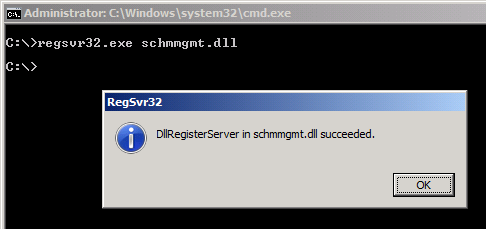
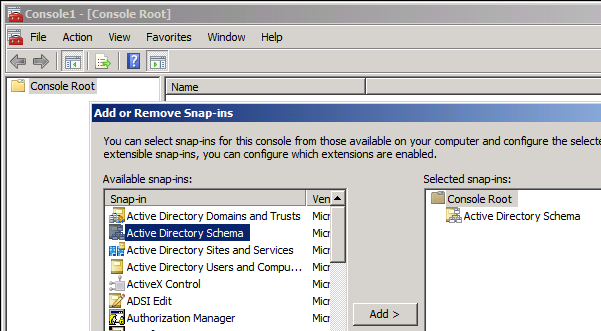
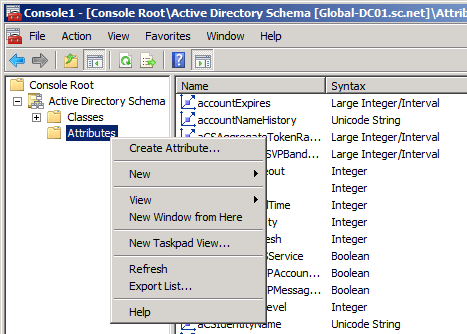
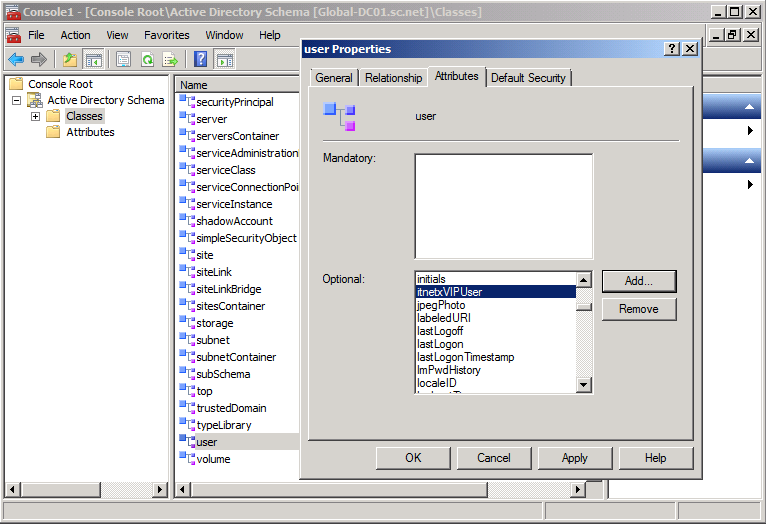
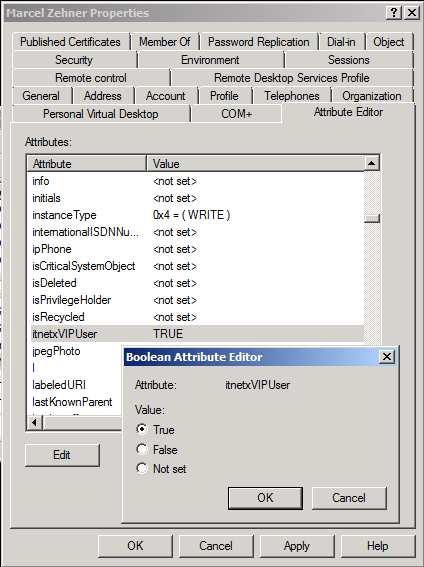
Step 1 – Prepare VIP User attribute in ADDS
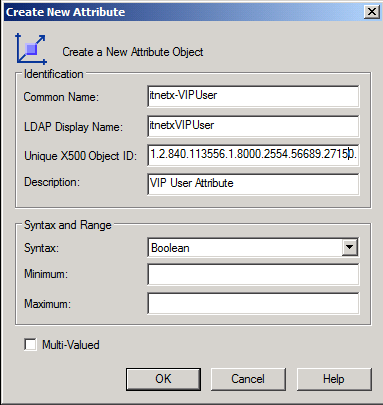
If you need more information about OIDs check out this link –> http://msdn.microsoft.com/en-us/library/windows/desktop/ms677620(v=vs.85).aspx
Step 2 – Sync VIP User attribute to CMDB
Install ADDS Powershell Module on Runbook Servers




 marcelzehner.ch
Hi,
Is step 2 short of info?
I am Looking for a way to import an additional property to adds users and Computers that the AD Connector is missing. Is a CSV-Connector my only way?
Thanks
Hey
You could also use a PowerShell script, a SCORCH or SMA runbook that does this. Just read the information from the source, get the object from the CMDB and write the property of interest back to the CMDB.
Cheers
Marcel